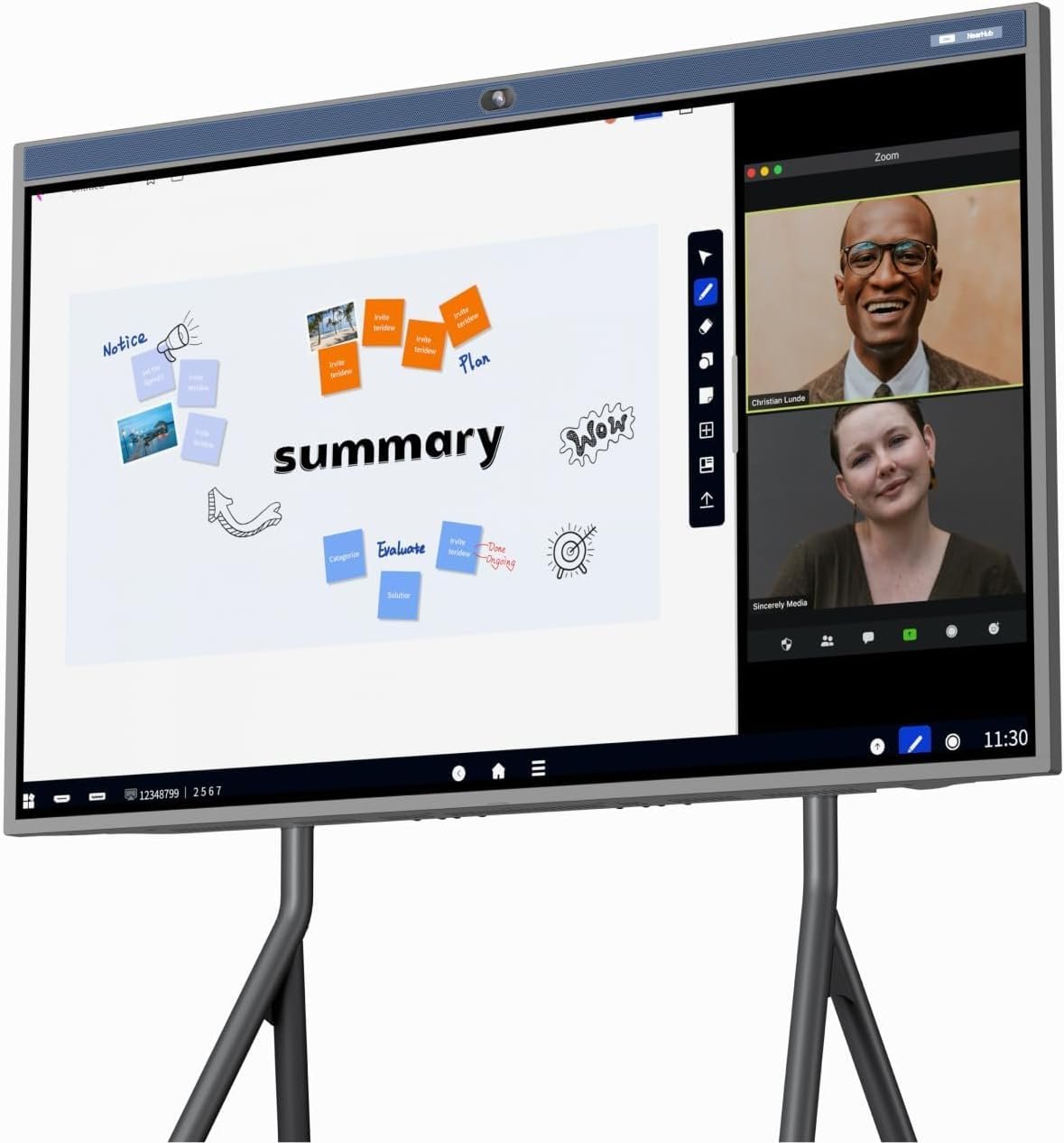
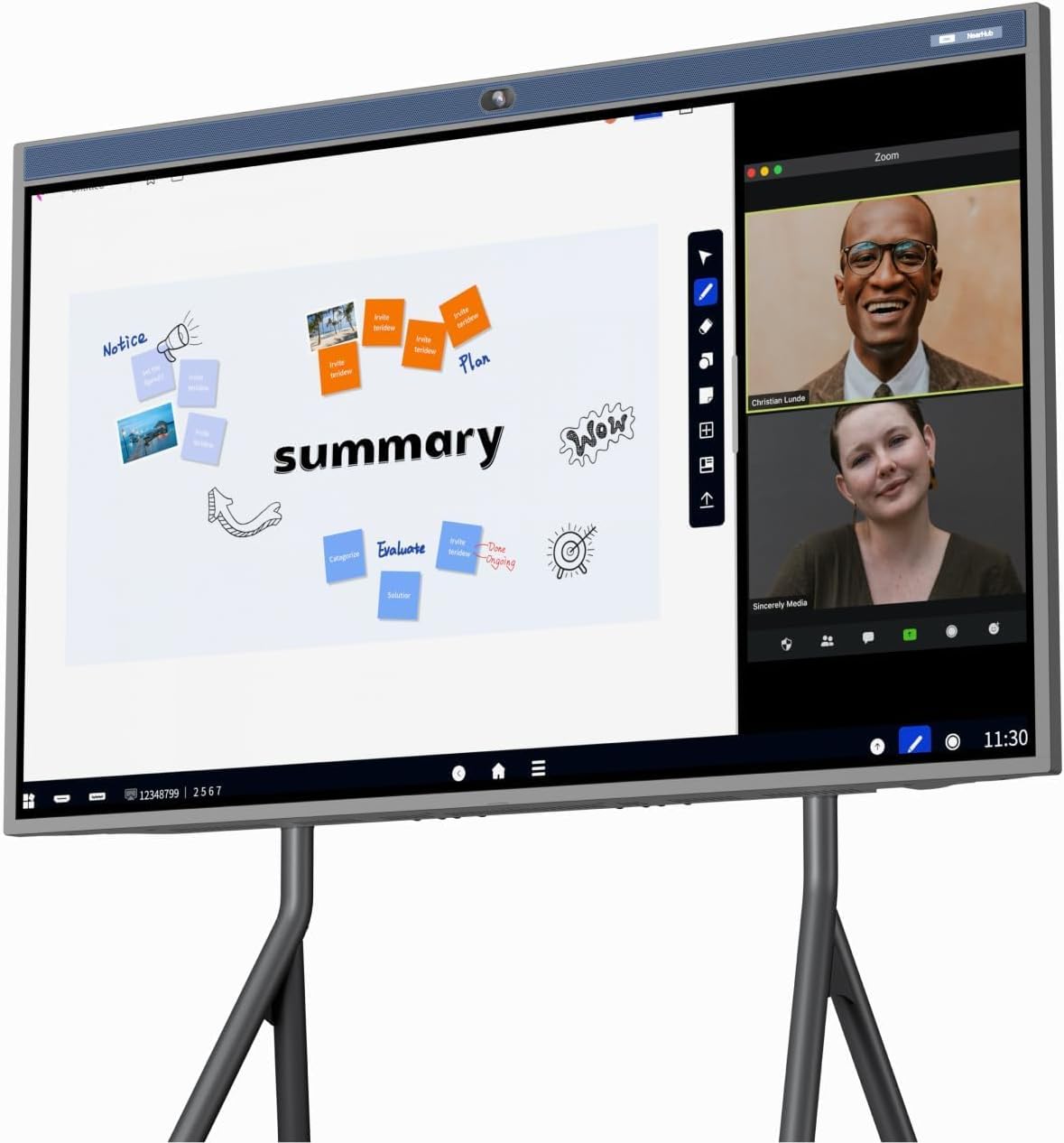
NearHub 55” Interactive Smart Whiteboard,AI -Powered 4K Camera,MEMS 24-mic Array with Noise Reduction,All-in-One Whiteboard for Hybrid Collaboration with AndriodOS & Open App Ecosystem (Board+Stand)



Price: $2,798.00
(as of Feb 10, 2026 08:50:23 UTC – Details)
Product description
The video showcases the product in use.The video guides you through product setup.The video compares multiple products.The video shows the product being unpacked. Interactive Smart Board Merchant Video
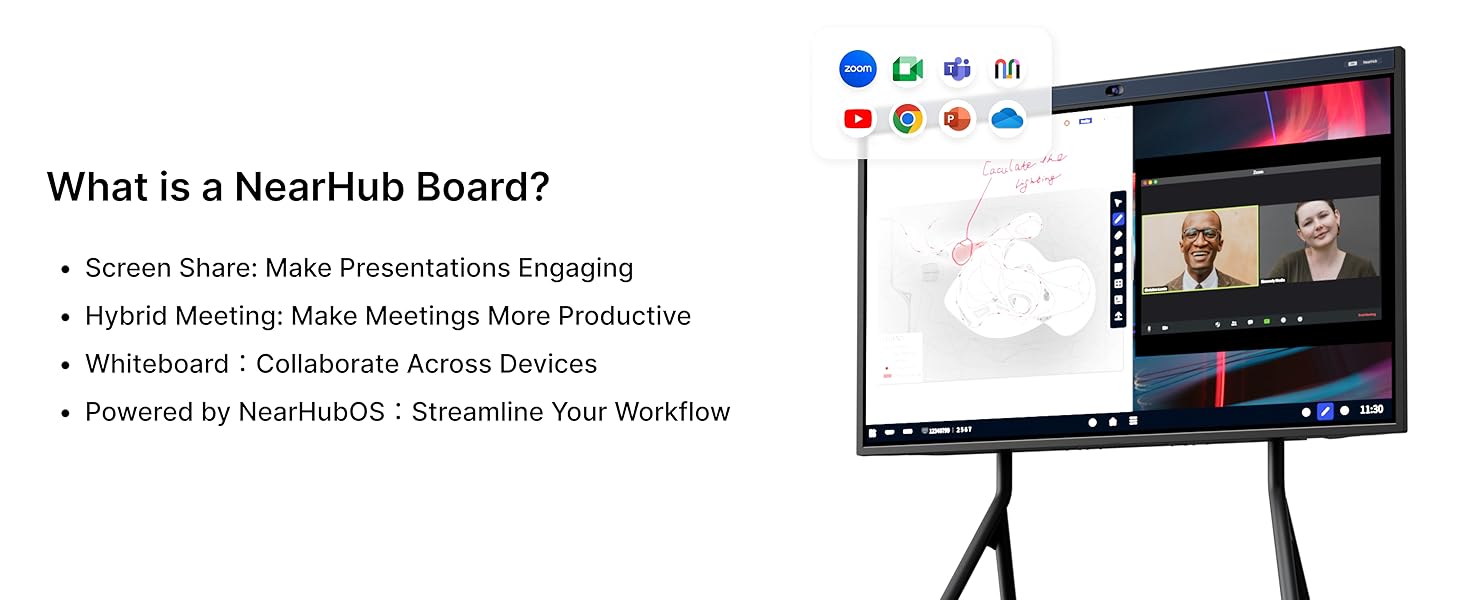
1 NearHub Board
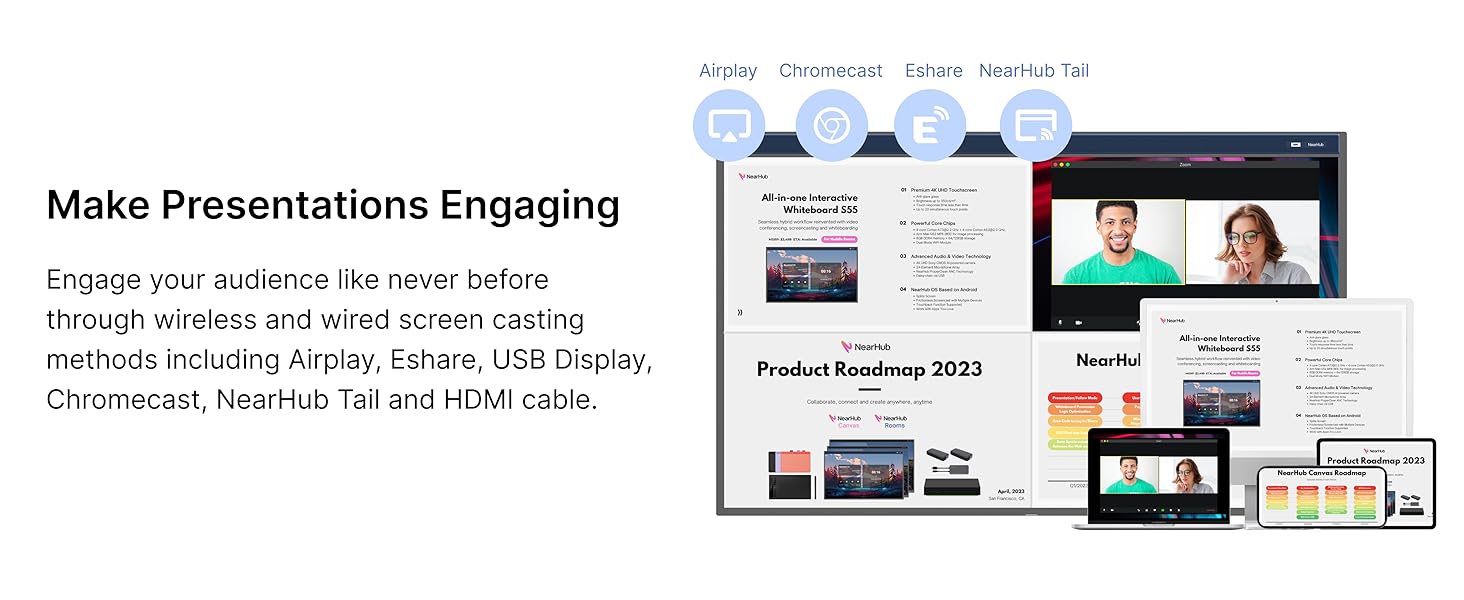
2 Engaging Presentation
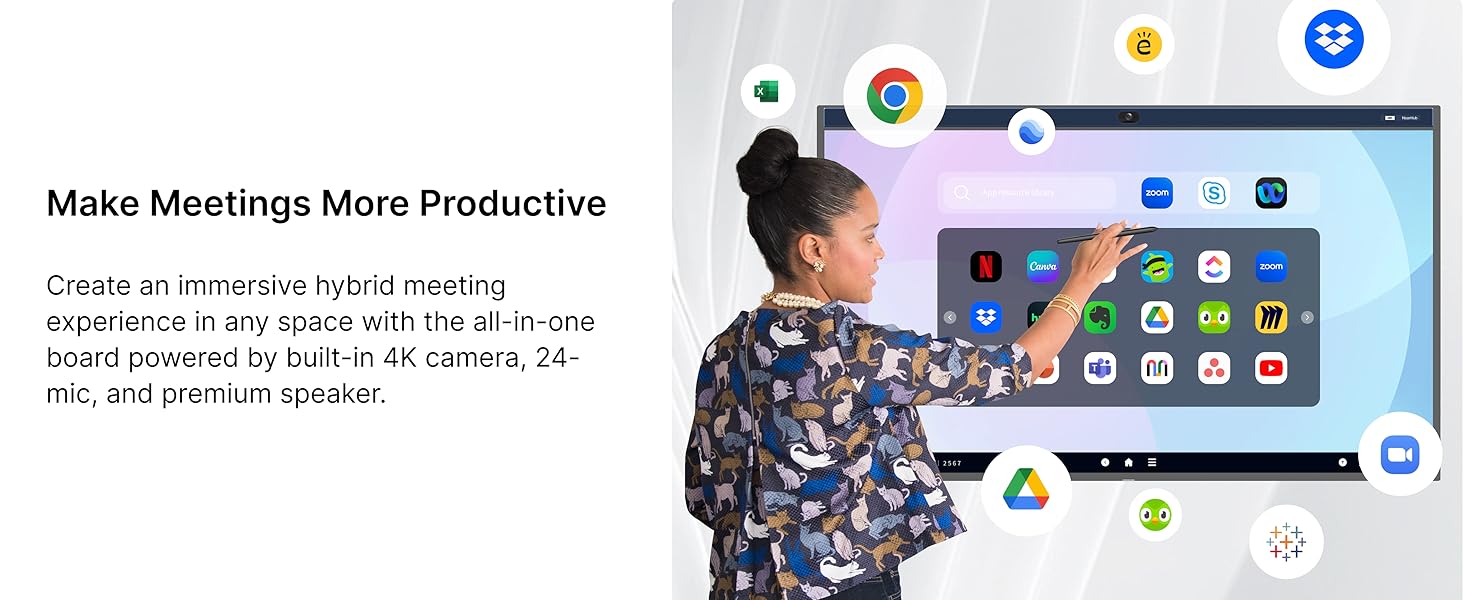
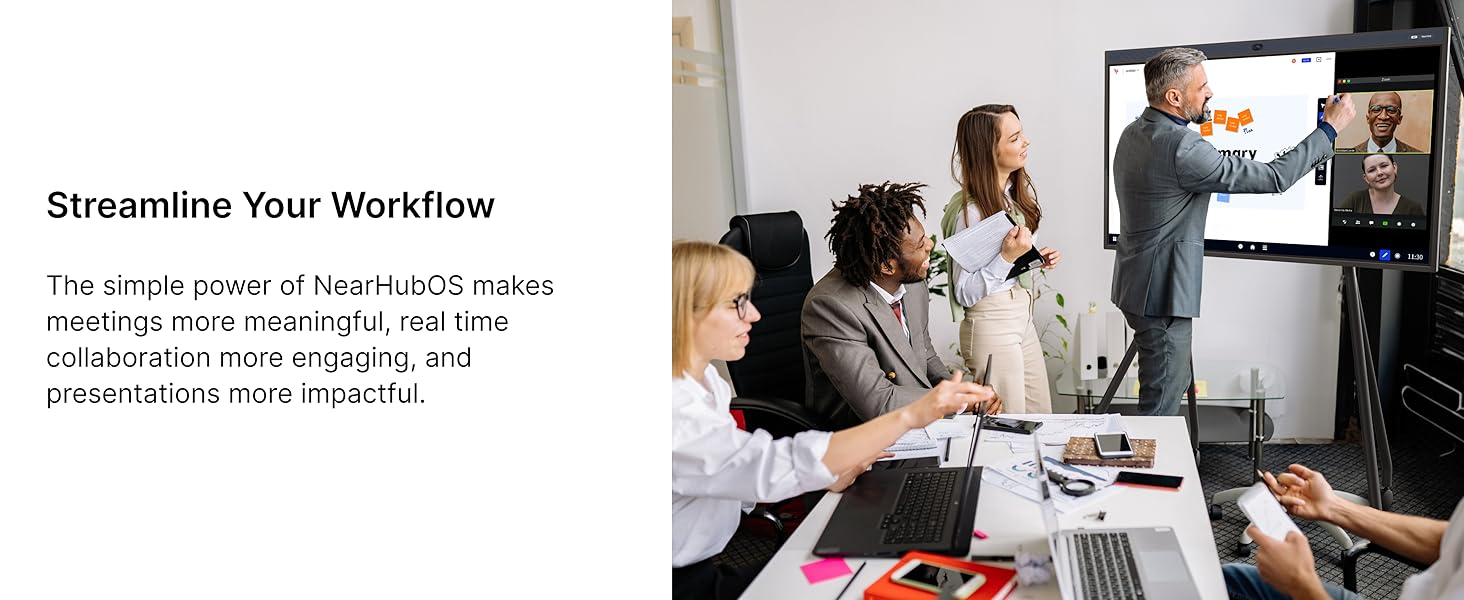
3 Productive Meetings
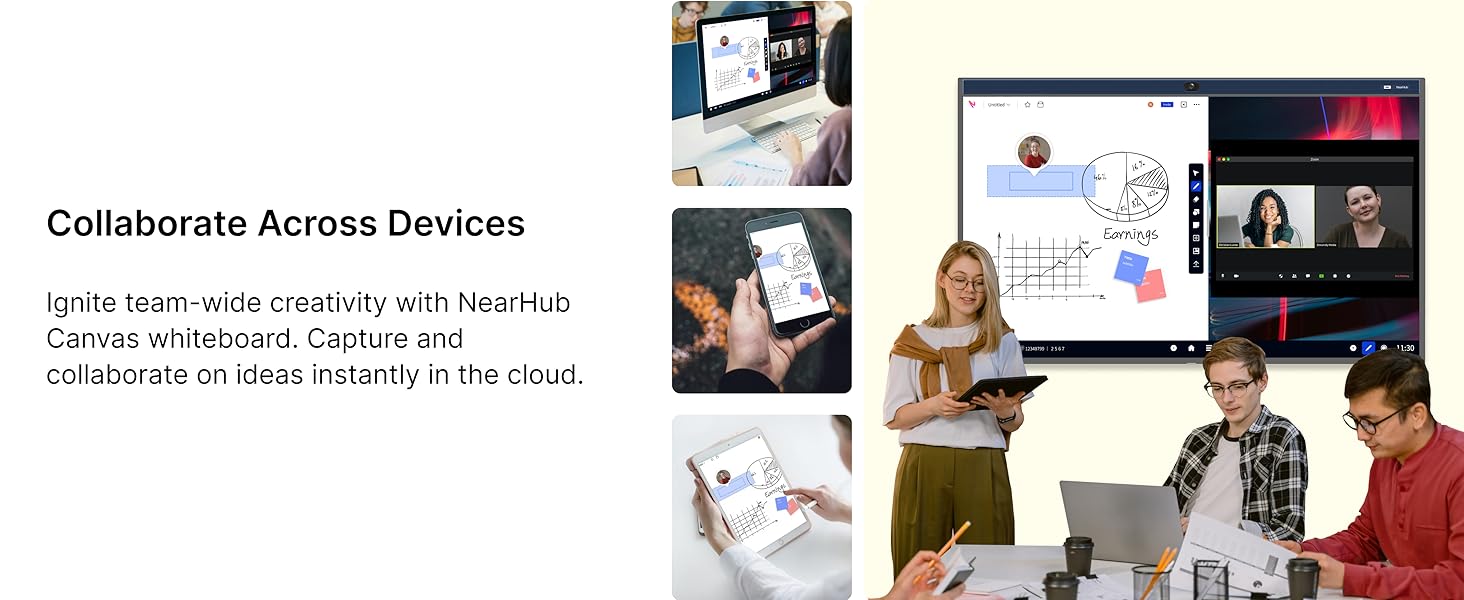
4 Collaborate Whiteboard
5 NearHubOS
For Hybrid Workplace——Bring Your Teams Together
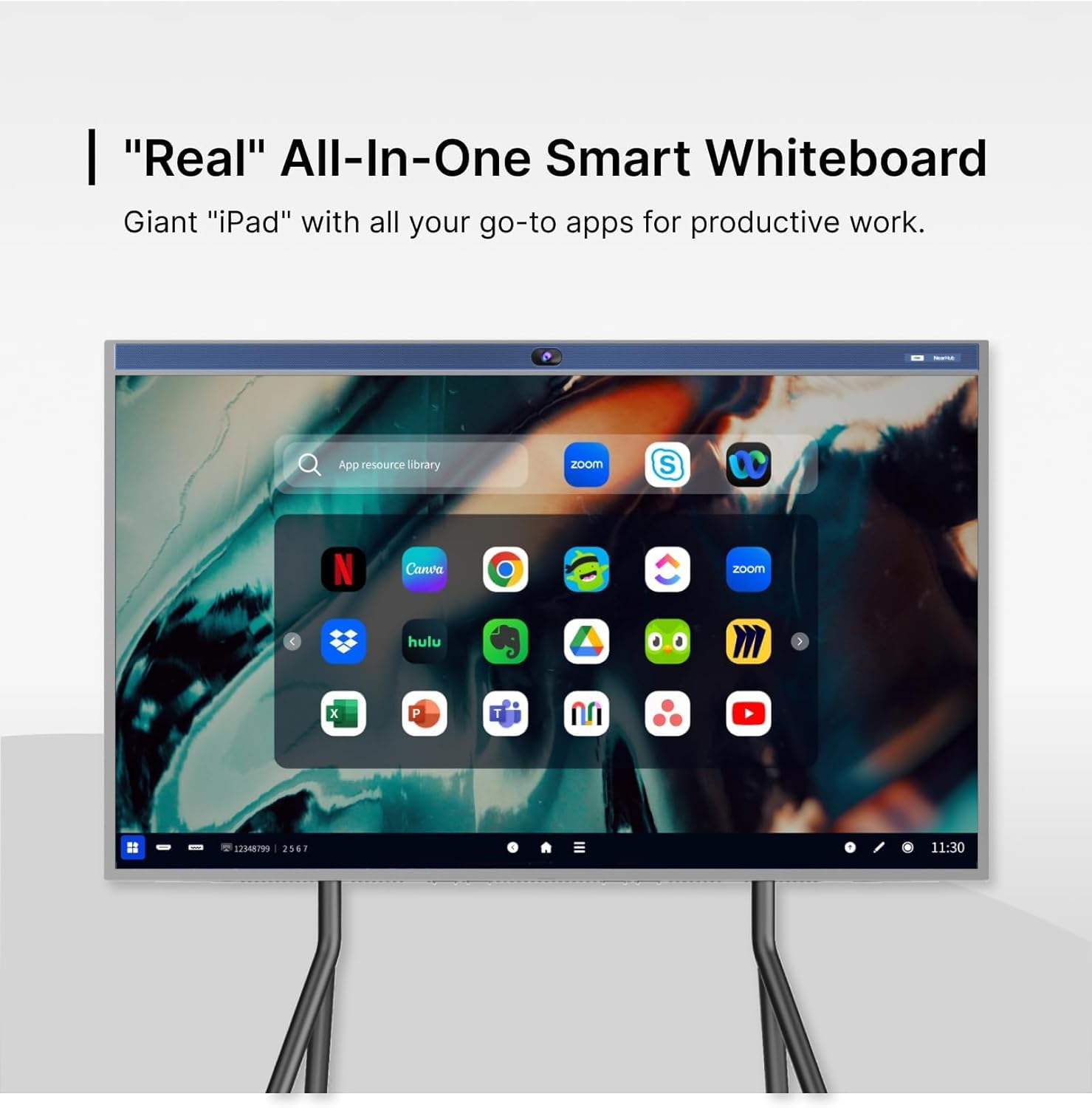
 Open System Based on AndroidOS
NearHubOS, built on the foundation of AndroidOS, is specifically designed to optimize touchscreen functionality. NearHub digital whiteboard for business use also supports customized Windows via OPS
 Multiple Touchpoints To Elevate Team Collaboration
Equipped with 20/40 touchpoints, NearHub Board supports multiple peoples writing simultaneously with the passive stylus. Everyone can draw on the big screen with lifelike brushes and vibrant colors.
 Elevate Productivity with Smart Annotation
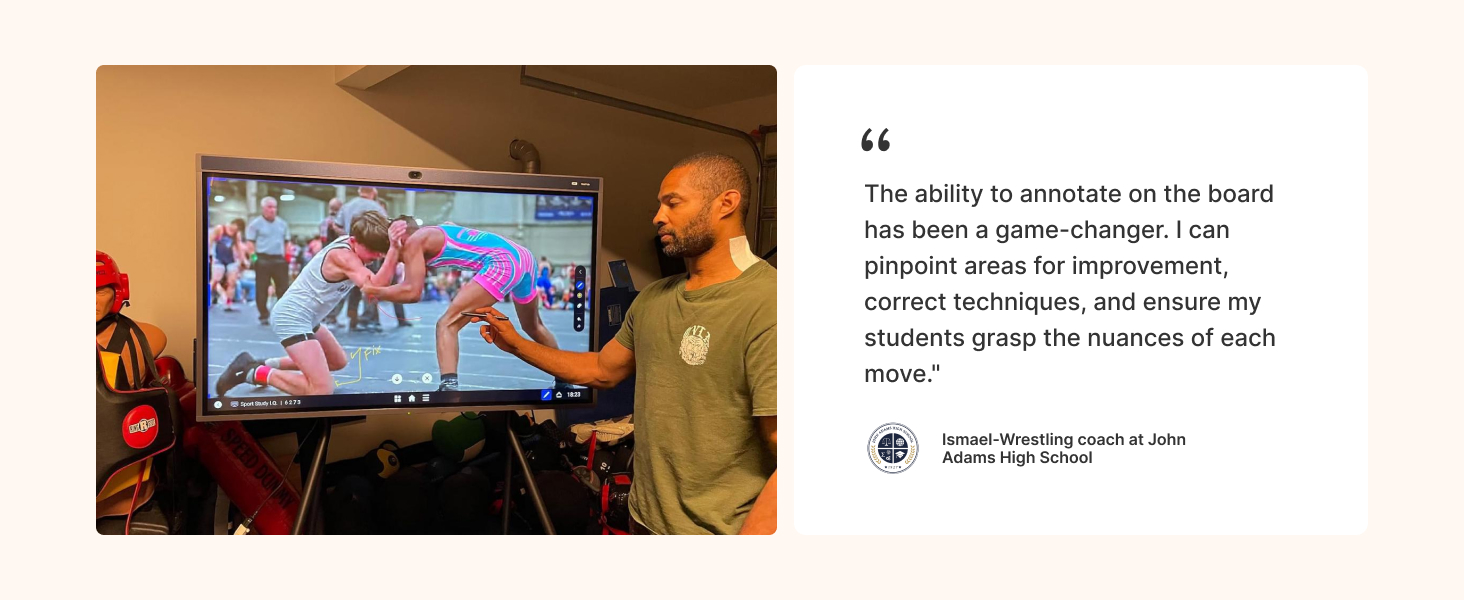
Seamlessly annotate on your screen share and easily share your notes to Canvas or other third-party apps like Teams, Zoom, or Skype, enhancing team collaboration with a meeting room smart board.
 Work with Apps from Google Play& NearHub App Store
NearHubOS integrates seamlessly with Google Play and NearHub App Store, enabling easy adoption of touchscreen-friendly apps.
 Get What You Want Faster from Templates Library
Easily save time using hundreds of ready-to-use templates like Process Flowchart, Empathy Map, and SWOT Analysis for common use cases and proven methods.
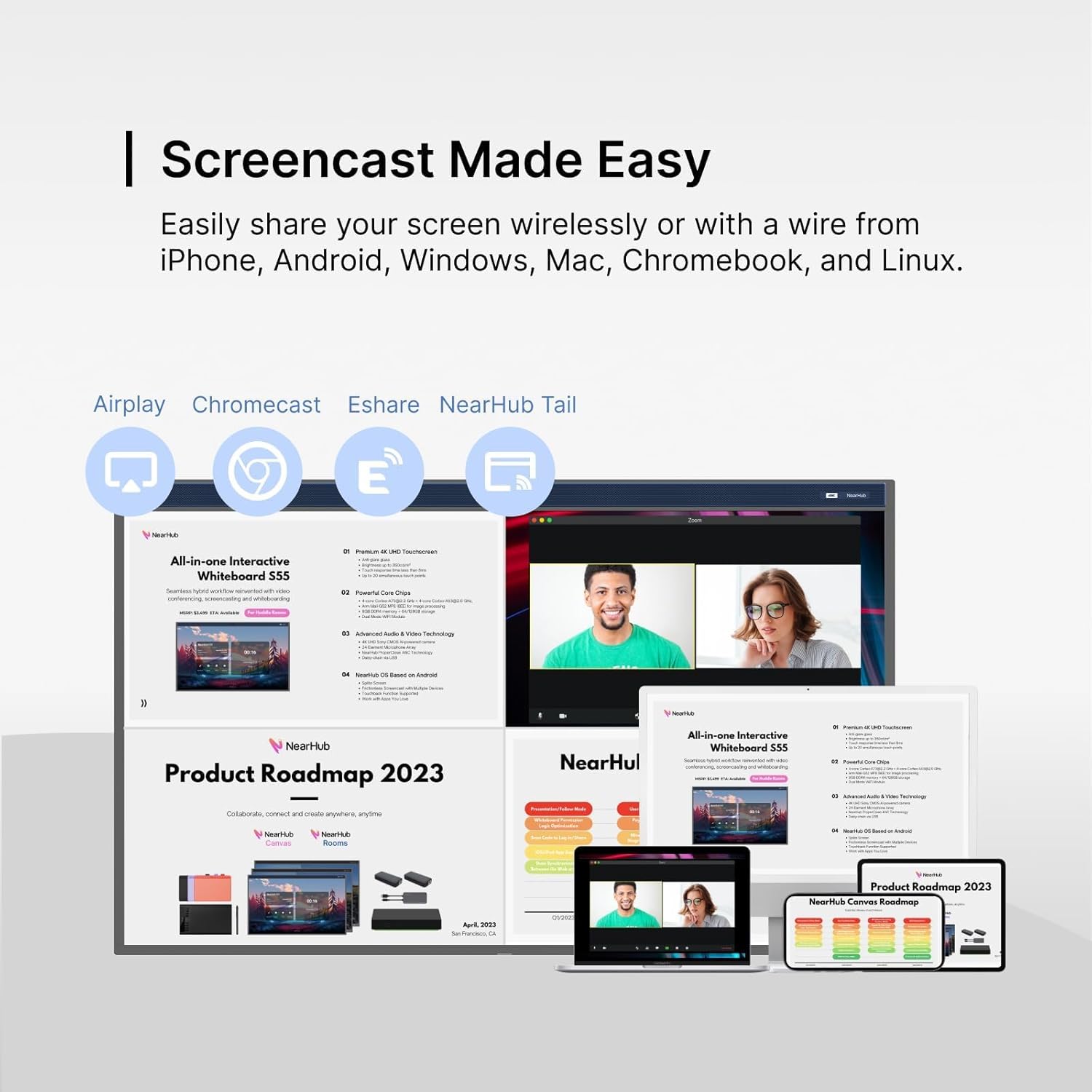
 Wireless Screen Sharing
For Classroom——Spark Classroom Engagement
 Leave Nobody Behind with Wide Angle 4K Camera
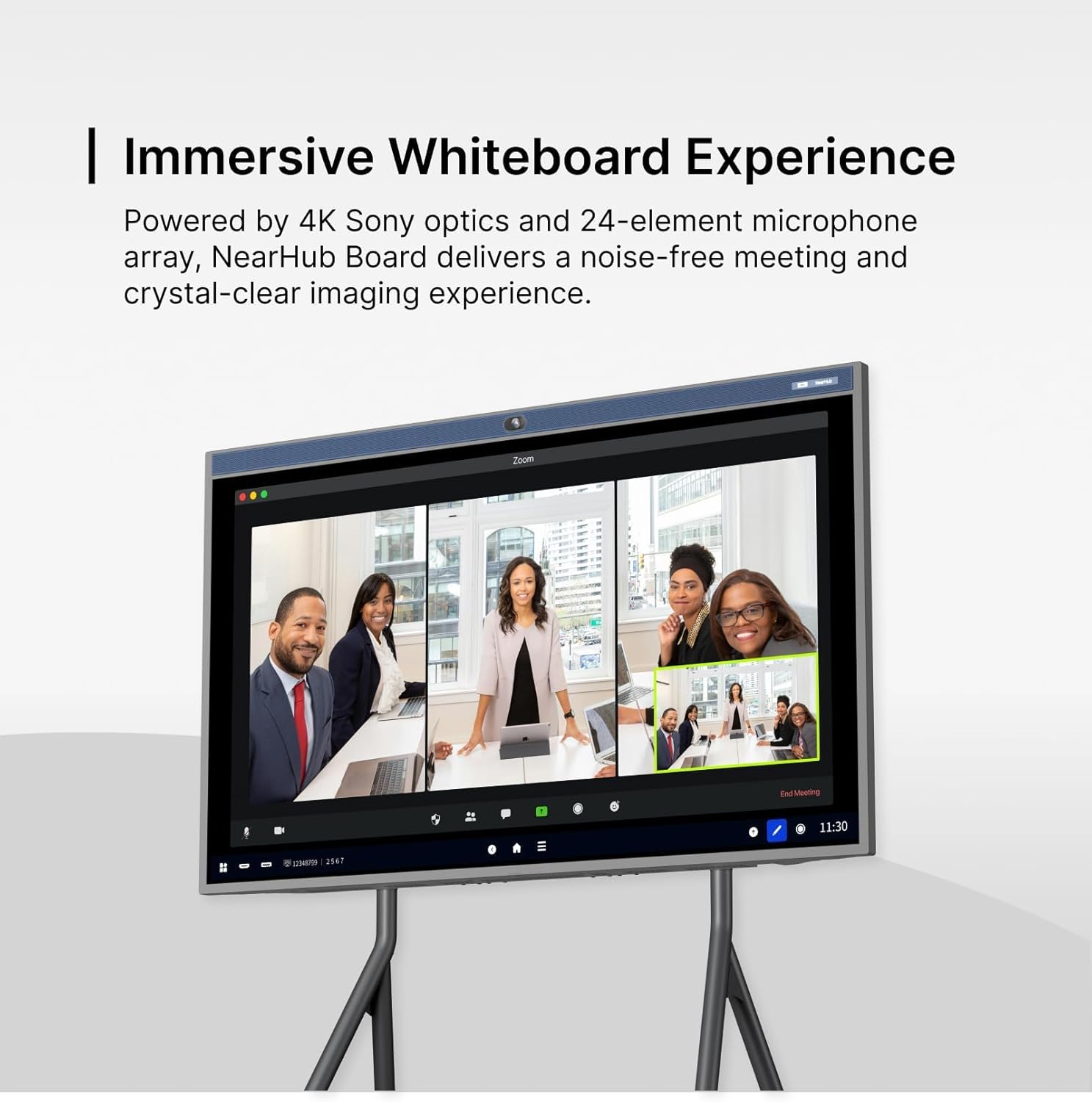
Ensure everyone is part of the conversation using our custom-designed 120° ultra-wide lens. Every participant can experience superior video quality, enhanced detail, and a professional appearanc.
 Make Meetings Immersive Than Ever
The smart board for conference room offers versatile camera modes, including Auto-Framing and Gallery Mode, to create a more immersive hybrid meeting experience.
 Crystal Clear Audio
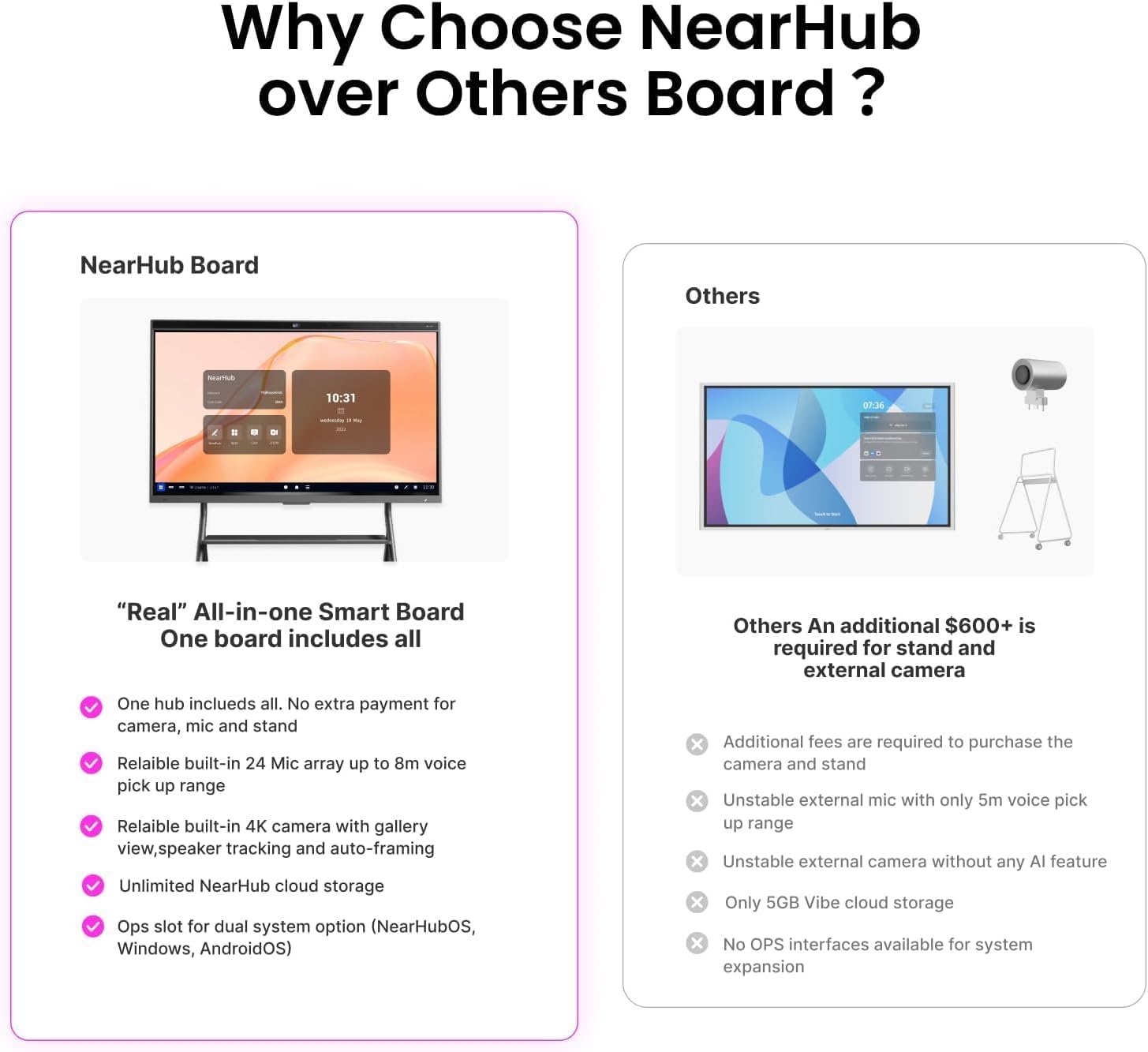
With a 24-microphone array, the digital whiteboard for office integrates with audio AI for echo and noise cancellation. Capture crystal-clear audio within a spacious 26ft/8m radius.
 Compatible Across Conferencing Platforms
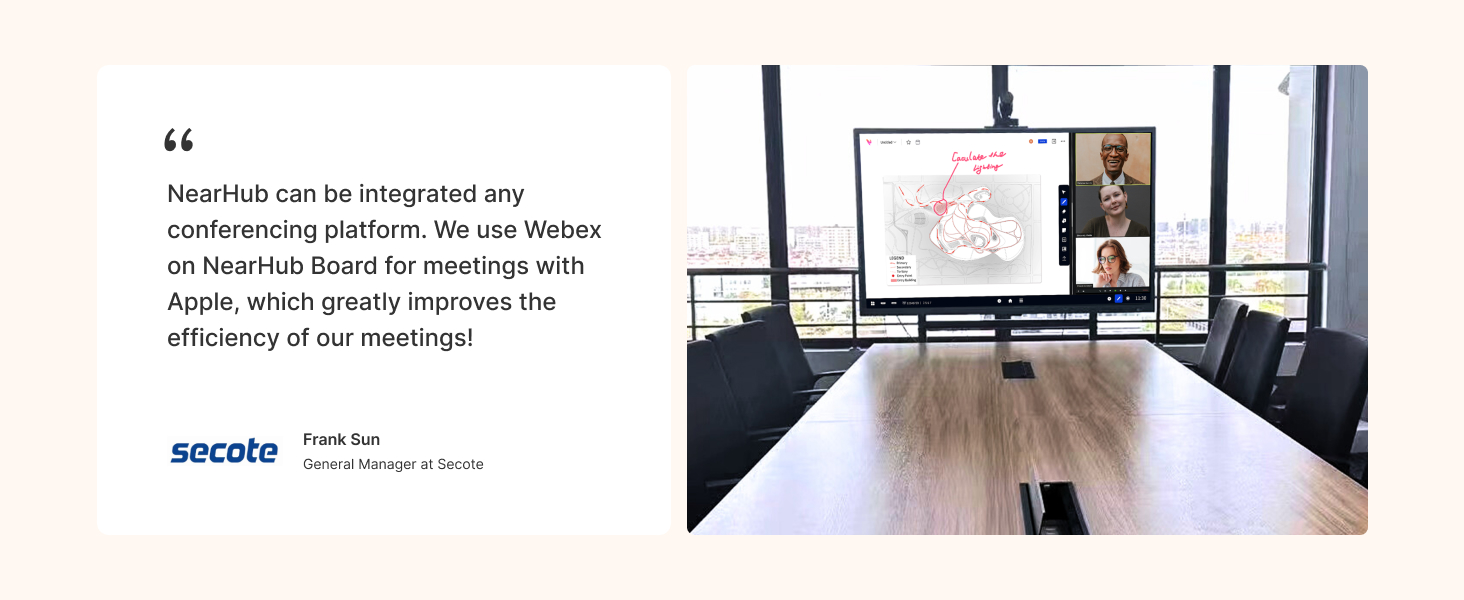
The interactive whiteboard for business seamlessly integrates with your favorite meeting apps like Microsoft Teams,Zoom,Google Meet, and WebEx.Start your immersive conference call with just one click.
 Instant Device Access and Management
Easily manage all NearHub boards via a centralized remote management platform. IT teams can update firmware, install apps, and manage digital signage across all panels.
Is the NearHub Whiteboard a standalone system or do I need a computer with it?
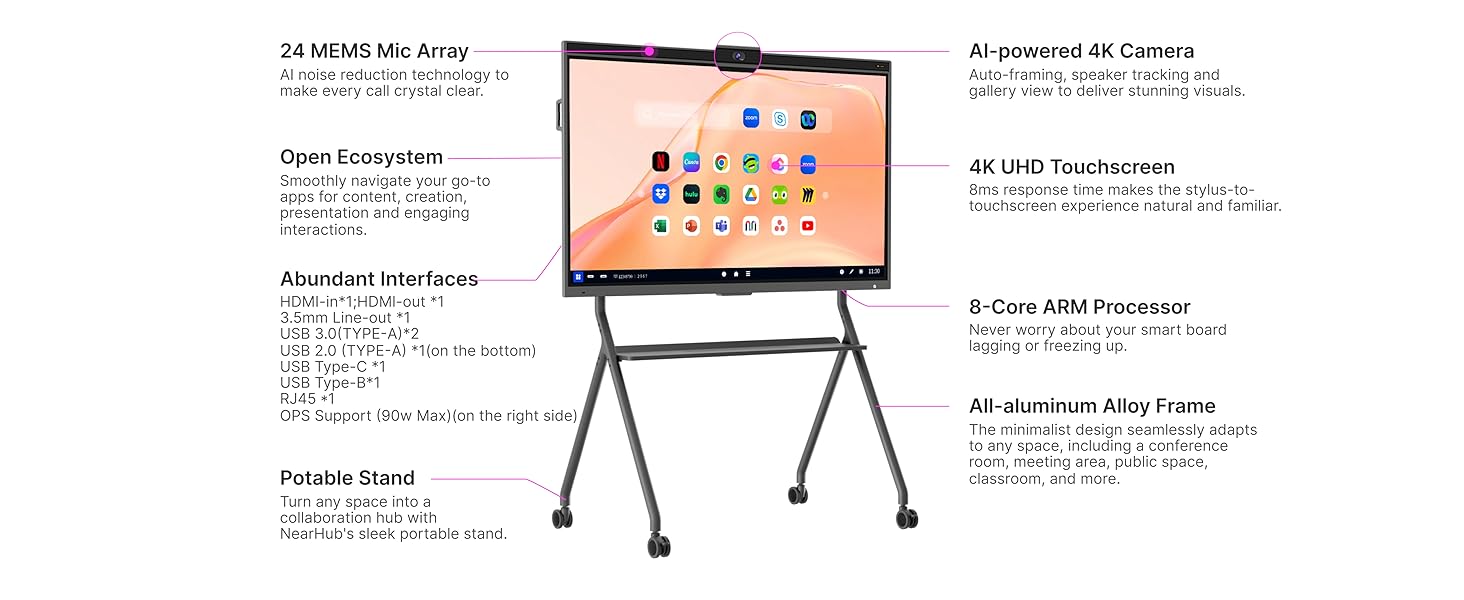
NearHub is an all-in-one collaboration hub that combines an interactive digital whiteboard with a built-in 8-core processor, NearHubOS based on Android, Canvas app, SmartCam, 24-element Microphone Array.
Do I need to purchase an extra camera?
To provide the best video conferencing experience, NearHub offers a built-in AI-powered camera (no extra fee), which comes equipped with image enhancement, noise cancellation, and AI features such as Speaker Tracking, Gallery View, Auto Framing.
What operating system does NearHub run on?
NearHub Whiteboard runs on NearHubOS, an operating system based on Android. Android apps are also able to run on NearHub.
Is my data secure on NearHub?
We prioritize data privacy and security at NearHub. Our security practices are industry-leading, and we work diligently to ensure your data is kept safe.
Can I connect external storage to NearHub smart boards?
Yes. The NearHub supports external USB drives and SSDs through its USB-A and USB-C ports. You can also connect to NAS (Network-Attached Storage) via the LAN port using SMB or similar protocols.
– ALL-IN-ONE COLLABORATION HUB: NearHub combines a smart digital whiteboard (with built-in camera & mics) and whiteboarding software to build an open ecosystem with enterprise-grade data protection. A single smart board enables video conferencing, screencasting, annotation, real-time collaboration, and more. Meet, ideate, brainstorm and present, all in one device.
IMMERSIVE MEETTING THAN EVER: With the beamforming 24-element microphone array and 120″ wide angle 4K AI camera, NearHub Board offers versatile camera modes including Gallery View, Speaker Tracking and Auto Framing to create a more immersive hybrid meeting experience.
ROBUST APP EXOSYSTEM: NearHub open ecosystem allows you to use the apps that your team already knows and loves from NearHub App Store or Google Play, including video conferencing softwares like Teams, Zoom, Google Meet and WebEx, office software like MS Office and Adobe, smart teaching tools like Sudoku, Chess, Kahoot! and ABC Mouse, and stream software like Youtube, Hulu, Netflix and Prime Video.
CLOUD-BASED WHITEBOARD: NearHub Canvas offers multi-device support, allowing seamless collaboration on a NearHub Board, web browser, tablet, or phone from anywhere. Collaborators can add feedback and ideas using comments to drive team discussions effectively. NearHub’s 8ms response time ensures a natural pen-to-paper writing experience.
PRESENTATION AND ANNOTATION: NearHub Board supports up to 9 users to screencast simultaneously via Airplay, Chromecast, Eshare, USB Display or by connecting in via HDMI. You can easily take notes and annotate on images, documents and screencast interfaces for better idea illustration, like a marker on a traditional whiteboard.
TWO INSTALLATION METHODS—WALL MOUNTING/ MOBILE STAND: NearHub S Series smart boards support both wall mounting and mobile stand setups. The package includes both the wall mount and mobile stand, allowing for fixed installation with no additional accessories required.