Mini Camera HD 1080P Small Camera Wireless Nanny Cam with Night Vision Motion Detection Remote View, WiFi Secret Camera Indoor Security Camera for Home Pets



Price: $49.99
(as of Feb 06, 2026 13:24:35 UTC – Details)
Product description

WiFi Security Camera
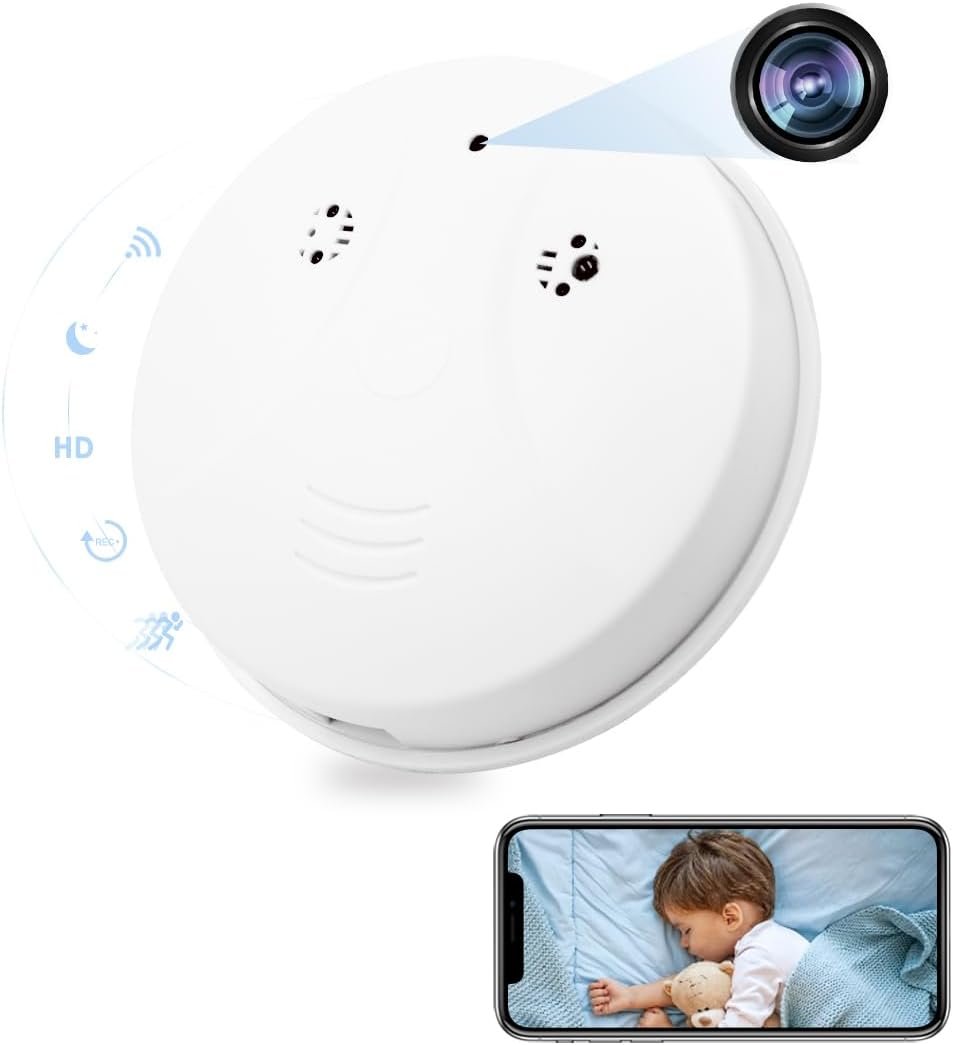
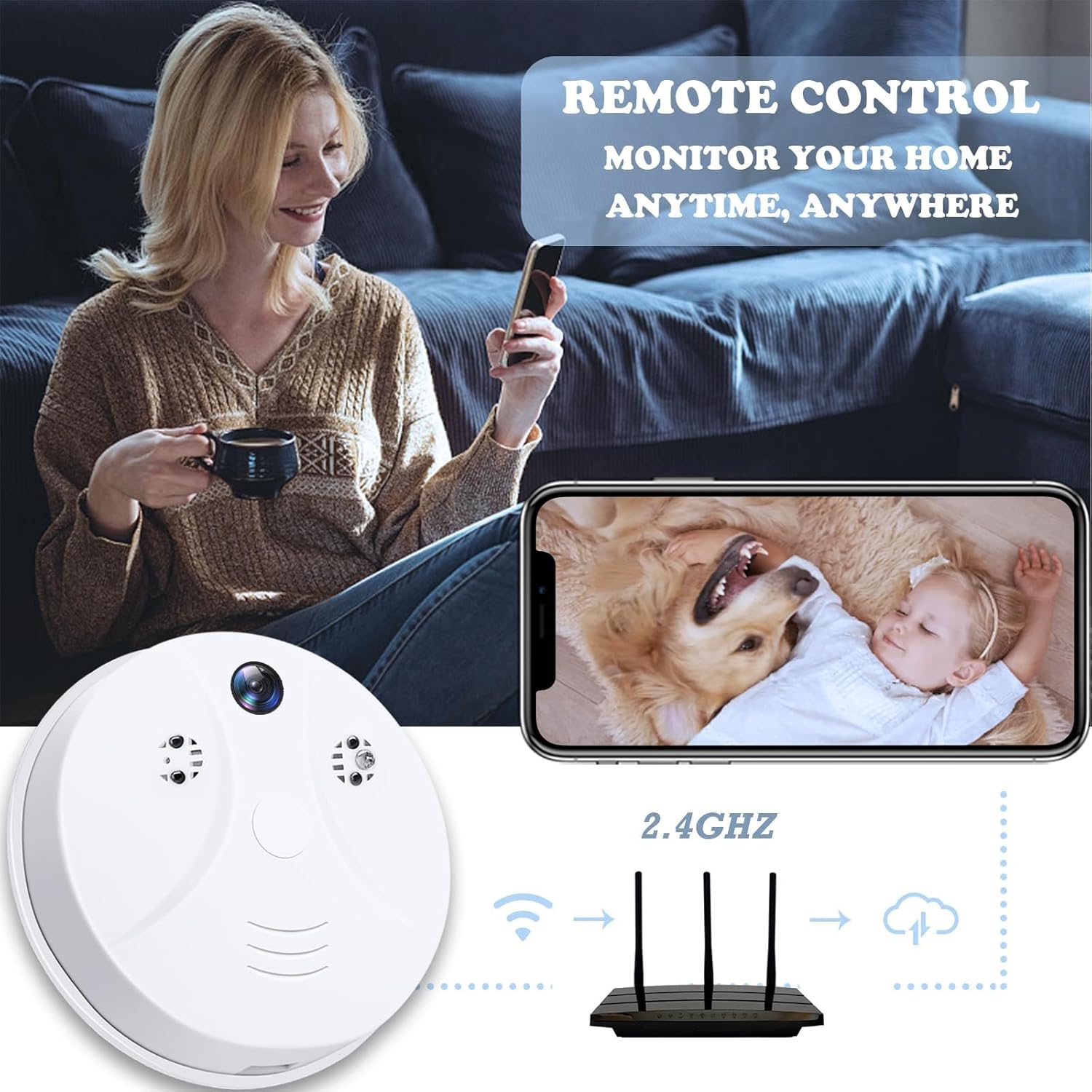
Connect to home WiFi (2.4GHz/5GHz) and you can view remotely through the mobile phone APP(Tuya Smart).

HD Video
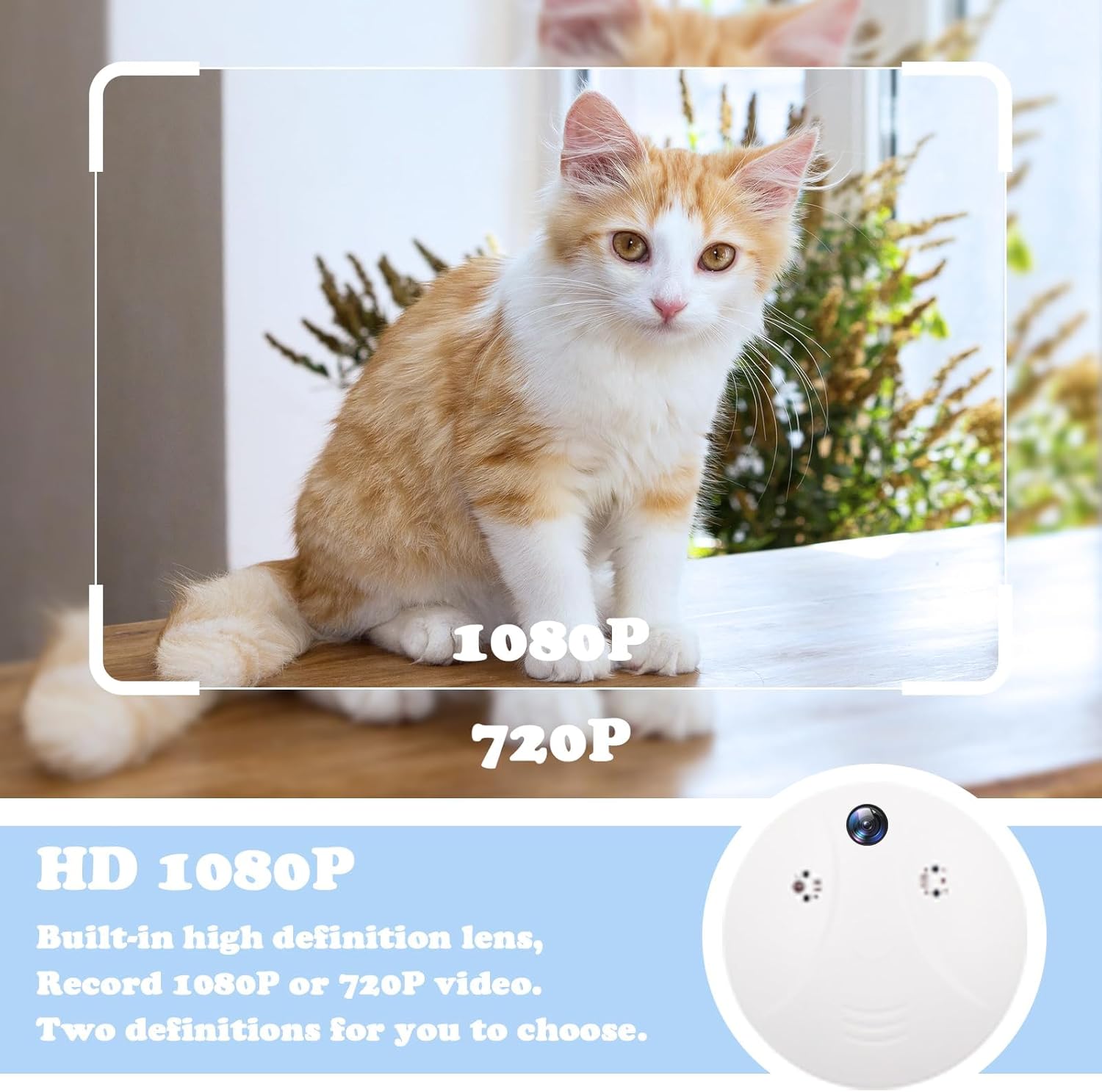
Supports recording 720P or 1080P video, and the video clarity can be switched in the APP.
Please note: This camera does not record audio, only record video.

Please note: The strength of the WiFi signal will affect the normal operation of the camera. A weak signal will cause the camera to be offline. For example, if the router is too far away from the camera and the signal becomes weak, it will cause offline and stop working.


Built-in rechargeable battery, which takes 4-6 hours to fully charge. It is recommended to use the original charger to charge to avoid insufficient or incomplete charging, and it can also protect the battery.
Please remember to charge the camera after receiving it or not using it for a long time. It is recommended that the camera be plugged in to keep it in use 24/7.

Operation
The most important thing is to confirm that you reset successfully according to the manual when configuring the camera. If there is any problem with the camera, reset can solve most crashes. If it cannot be solved, please ask for help:)
Please pay attention to the difference between the identification prompt and the flashing light when operating.
Trouble shooting
Q: Why can’t I pair successfully? Are there any details to pay attention to?
A: It’s recommended that you use Way 1. AP Mode connection. This mode does not require scanning code, easier to set up.
Step 1: Insert the SD card
Step 2: Turn on the camera power – the blue light is always on,
Note: Please wait about 30 seconds until the blue light starts flashing before resetting, and you will hear a voice prompt of “Ready to Pair”.
Step 3: Reset the camera—-use a pin to hold the Reset button for 7-8 seconds, then release. You hear a voice prompt of “Reset Successfully”, the BLUE light goes off and on, then release the reset button.
Note: Please wait till the blue light flashes slowly and you hear a voice prompt of “Ready to pair”, then configure the camera.
Step 4: Set WiFi connections
a. Add device on APP
b. Select Wi-Fi Mode–AP Mode
c. Connect to 2.4 or 5GHz Wifi network
d. Pair the device with app
e. Click “Go to connect” to access the wifi settings of your phone, find and connect the device’s hotspot, which is named with “SmartLife-xxxx” or “SL-xxxx”, after connected, go back and add devices.
Q: What’s the size of the product?
A: 11.5*11.5*1.5cm
Q: What’s the recording angle of product?
A: About 90 degre.
Q: Does it record audio?
A:Please note: This camera does not record audio, only record video.
Q: Why is the camera offline?
A: The strength of the WiFi signal will affect the normal operation of the camera. A weak signal will cause the camera to be offline.
Security Features: Built-in WiFi camera system integrated within a smoke detector housing for discreet surveillance (This is a wireless camera without the function of detecting smoke).
Video Quality: High-definition recording capabilities to capture clear and detailed footage of your surroundings. You can also adjust the video resolution(720P/1080P) in the APP according to your needs.
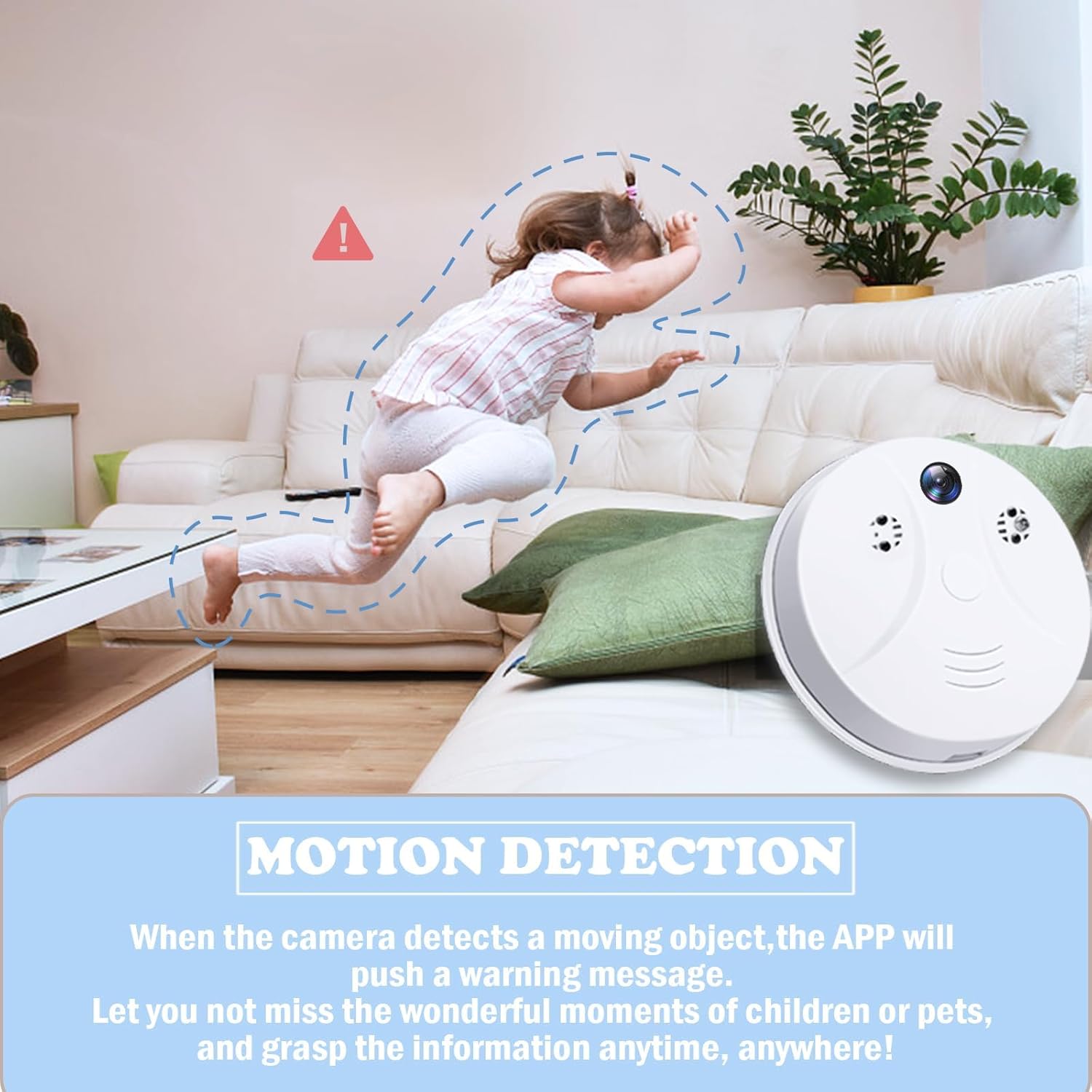
Motion Detection: This video recorder has a built-in motion detection device. Once an object passes by, the camera will automatically record the video. Set this mode in the APP, and the APP will push a warning.
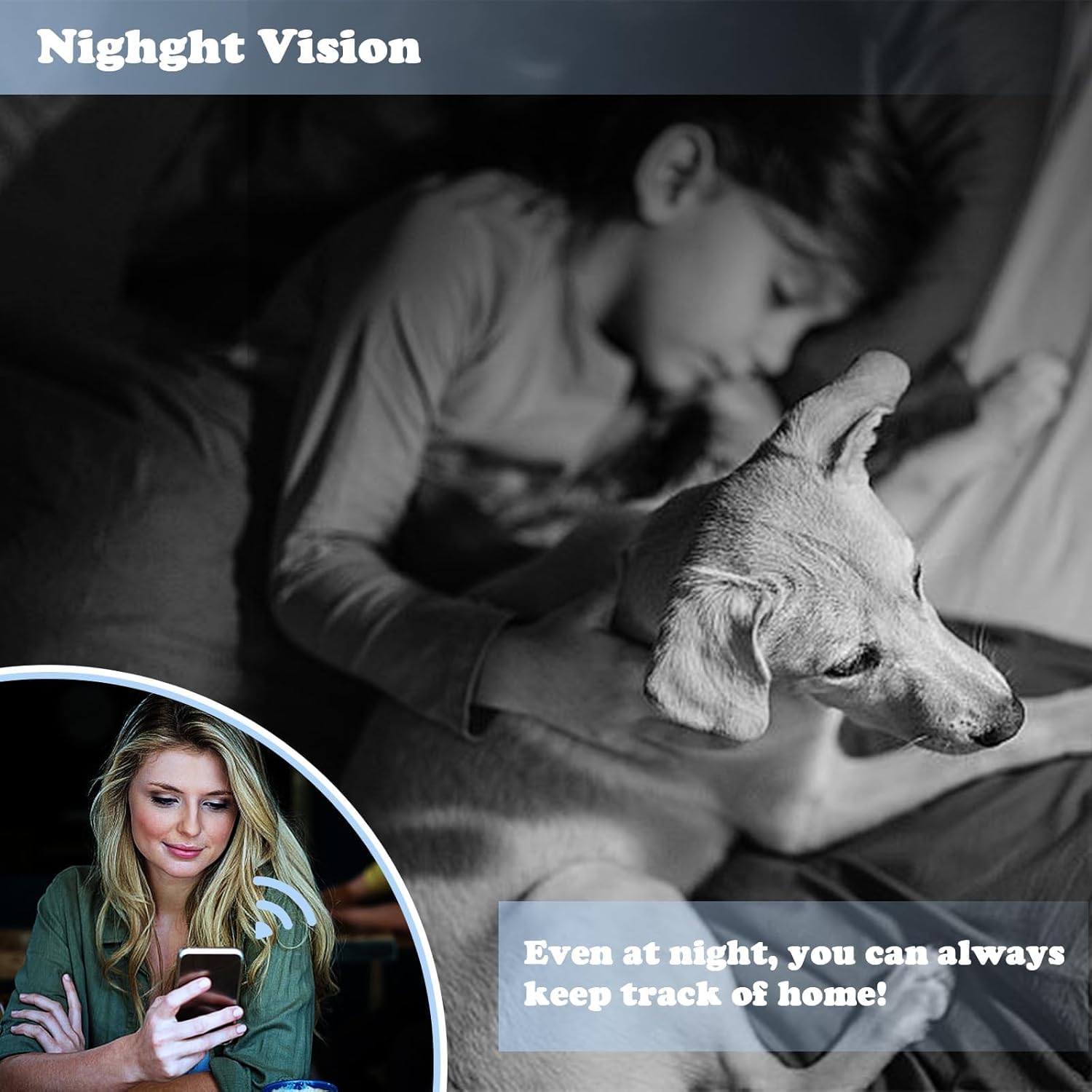
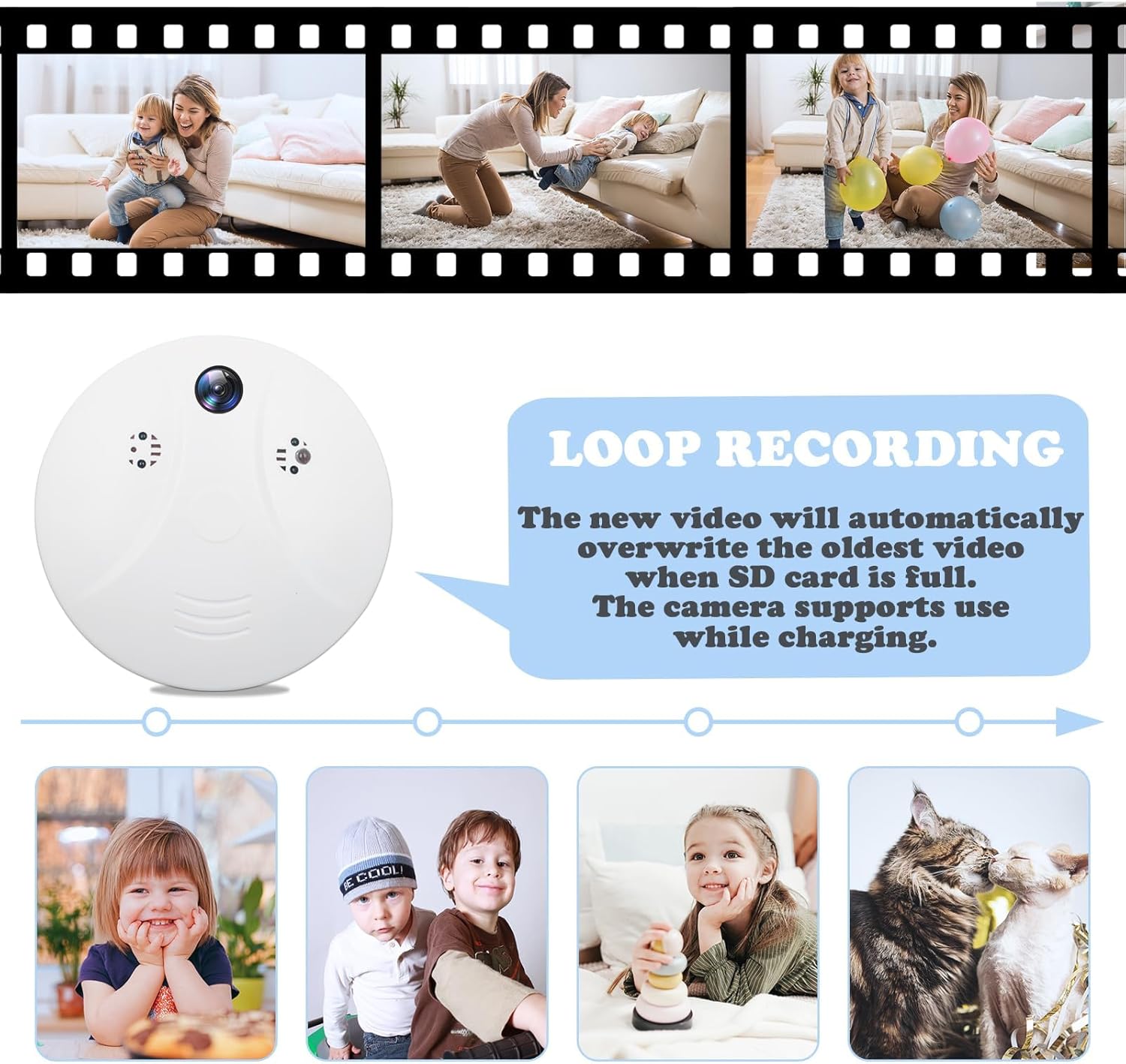
Night Vision & Loop Recording: This video-only camera has built-in 4 night vision lights, so you will not miss anything in the recording area even at night! The camera supports loop recording with a memory card(up to 128GB), and you can also view local playback through the APP.
Mobile Access: Easy setup with wireless network(2.4GHz/5GHz) connection for remote viewing live feed and recorded footage through a dedicated mobile application anywhere, anytime.