Wireless lavalire Microphone, Clip on Microphones, Hi-Fi Audio, Wireless Mic A3, for iPhone 7-14, Laptop, Zoom Meeting, Video Recording, tiktok




Price: $14.99
(as of Feb 15, 2026 23:00:24 UTC – Details)
Product description
Add to Cart
Add to Cart
Add to Cart
Add to Cart
Add to Cart
Customer Reviews
4.2 out of 5 stars 2,877
4.2 out of 5 stars 2,877
4.2 out of 5 stars 2,877
4.2 out of 5 stars 2,877
4.1 out of 5 stars 127
4.1 out of 5 stars 127
Price
$14.99$14.99 $19.99$19.99 $14.99$14.99 $19.99$19.99 $24.99$24.99
— no data
Connector
Lightning/USB Lightning/USB Type-c/Lightning/USB Type-c/Lightning/USB Type-c/USB Type-c/Lightning/USB
Indoor Transmission Distance
65FT 65FT 65FT 65FT 100FT 100FT
Applicable system
iPhong7-14/Windows/MAC iPhong7-14/Windows/MAC iPhone15-16/15-16Pro/Android/WIN/MAC iPhone15-16/15-16Pro/Android/WIN/MAC iPhone15-16/15-16Pro/Android/WIN/MAC IOS/15-16Pro/Android/WIN/MAC
Standby time
25 hours 25 hours 25 hours 25 hours 30 hours 30 hours
Surrounding noise reduction
✓
✓
✓
✓
✓
✓
Pair 2 microphones
no data
✓
no data
✓
✓
✓
powerful magnetic suction
no data
no data
no data
no data
✓
✓
HI-FI Audio
no data
no data
no data
no data
✓
✓
2.4G transmission
no data
no data
no data
no data
✓
✓
More models, more suitable for you.

Aisizon A5d Wireless Lavalier Microphone with Noise Cancellation,HI-FI AUDIO, Wireless Lapel Microphone for iPhone 15/Pro/iPad, Android, for Tiktok, YouTube, Video Recording, Live Streaming.
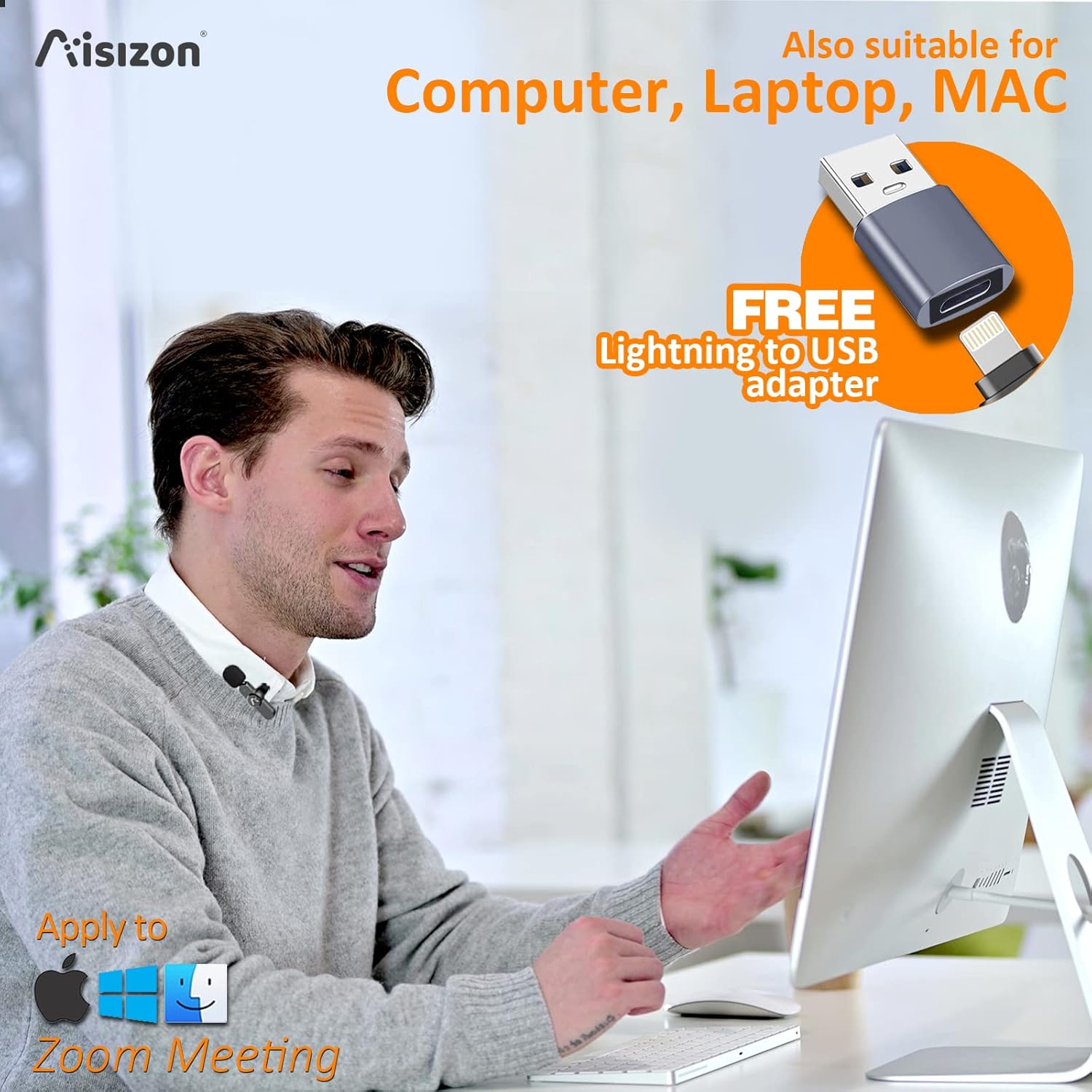
How to use the wireless mic on a computer/laptop by the usb adapter for zoom video conferencing?

Key: Set the Aisizon wireless microphone as your computer’s audio input device.
Step 1:Open your computer’s sound settings.
Find the speaker in the bottom right corner of the desktop, mouse over it, right click on “Open Sound Settings (E)”
Step 2: In the “Sound” interface, find “Input” and select the sound input device as “Microphone”.
The setting is finished.
Now, You can use your computer to record, make videos, or use ZOOM to video conference with colleagues.
One tip:
In the upper right corner of the “Sound” screen, find the “Sound Control Panel”.
Click on the “Sound” device, find the microphone, and click on the properties in the lower right corner.
The microphone properties screen appears, click “Listen”, then the sound of the microphone can be emitted from the computer speakers.
Now, your computer will become a loudspeaker.

How to use the Lightning to USB Adapter?
According to the protocol of each system, please make sure to connect this adapter to the lightning port on the receiver of the microphone first, and then connect the USB port.

 Package Included:
· 1 x receiver
· 1 x Lightning to USB adapter
· 1 x USB data cable
· 1 x User Manual
How to make the microphone work better?
1.After use, please press and hold the power button to turn off the power, otherwise the microphone will continue to work until the battery runs out.
2. Please charge the microphone for 1 hour before using the device.
3. Please read the user manual before use.
Product information
Battery composition polymer Battery type/size lithium_polymer Number of batteries 1 Watt hours per battery 65mAh Item Weight 105g Connector Type lightning Audio Sensitivity 38DB Frequency Response 20KHz Material_type ABS Color Black Size 65*18.5*26mm / 44.5*27.5*7.8mm
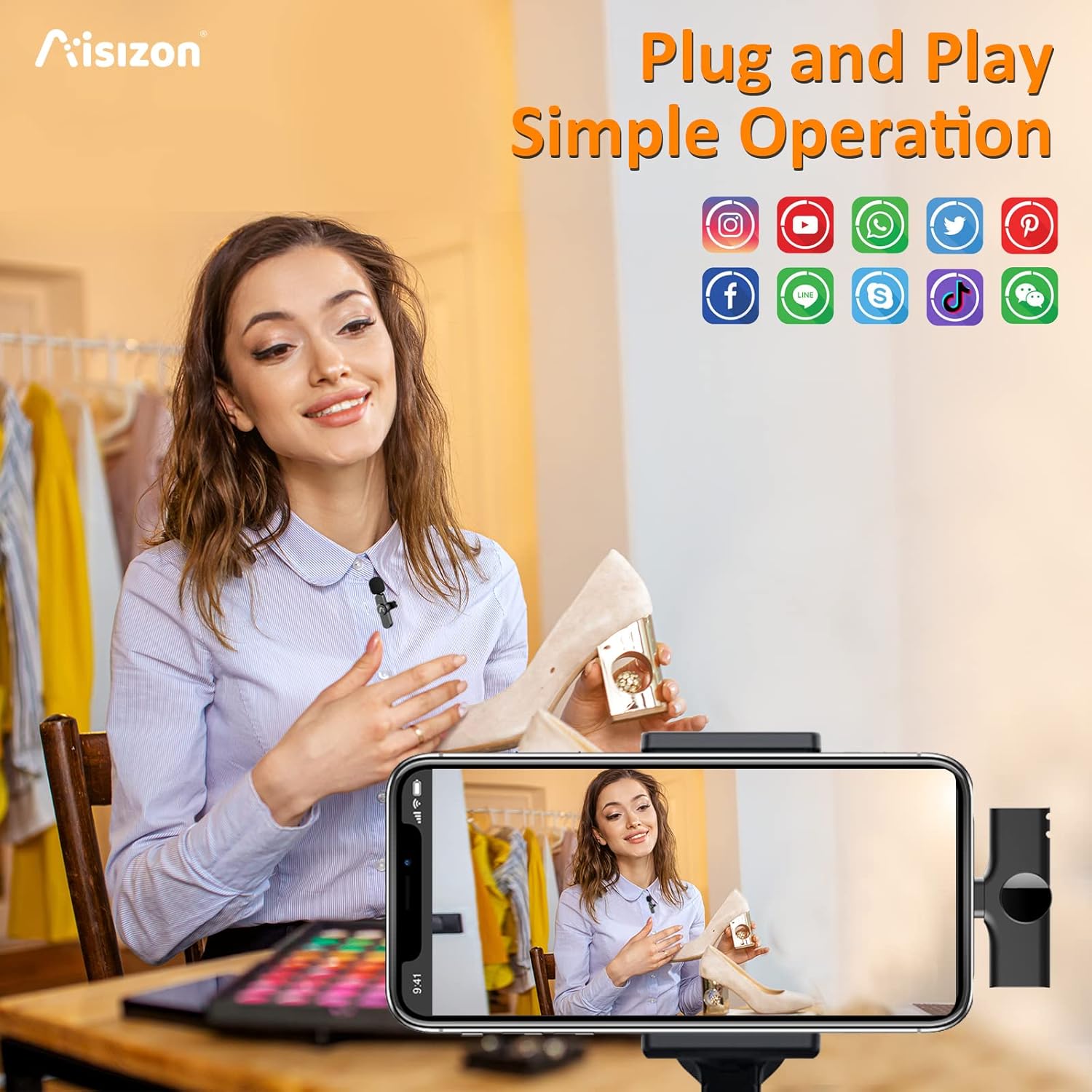
Wireless lavalier microphones for iPhone: Aisizon A3 wireless clip mic comes with 1 transmitters and 1 receiver. Plug and play is easy to set it up, suitable for Vlog, Interview, Live streaming, Video Tutorial, YouTube, TikTok, Podcast, etc. (Note: Make sure the USB OTG in Setting of your device is on)
Equipped with lightning to USB C adapter: The clip on microphone wireless with a special adapter that can easily be used with both lightning and USB C interface recording devices, iPhone, iPad, desktop computer, laptop, perfect for interview, online conference, zoom meetings and remote video conversations.
3 levels of noise reduction, 0.009s ultra-low latency: 360°omnidirectional record, easy to shield the ambient sound, real-time outdoor live streaming. This wireless lapel microphone is perfect for YouTube live streaming, tiktok, video recording, VOLG, Presentation courseware production etc.
65 feet (20m) distance of range: Built-in optimized antenna and advanced 2.4GHz transmission technology enable covering up to 65feet distance of range indoor or outdoor stably. Our wireless iphone microphone is completely free from the constraints of wired, allowing you to complete a variety of large scenes of sports shooting, cell phone recording, short video production work.
Rechargeable transmitter and receiver: The wireless mic is built in 65MAH rechargeable batteries up to 8 hours operation time with only two-hour charging time. There is a charging port on the clip mic receiver, which supports charging your device while recording.